
Add/Edit Tag Window
The window that appears when you add or edit a tag in the All Tags panel.
This window appears when you press the Add or Edit button in the All Tags panel. When editing, the fields are pre-populated with the existing values.
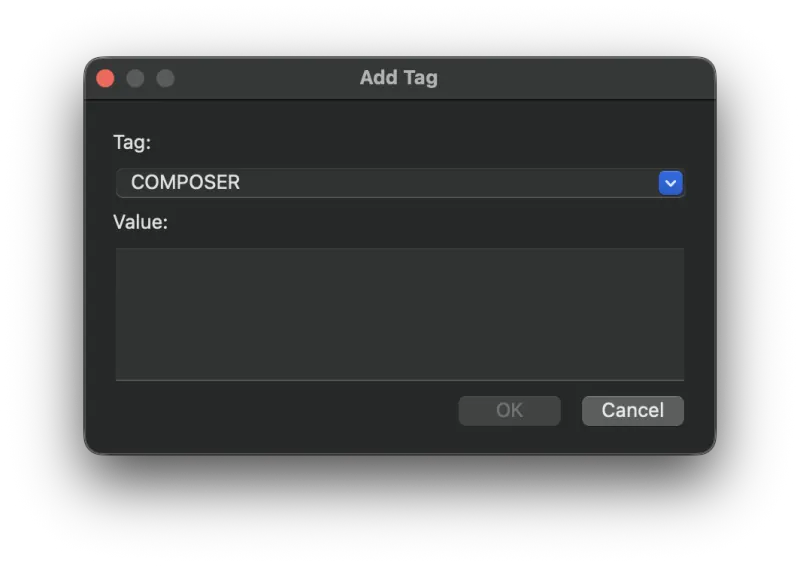
Fields
- Tag
- The metadata tag being added or edited. You can select from a list of built-in tags or type your own custom tag name.
- Value
- The value of the tag.
Still need help? Email metadatics@markvapps.com or send a message.